
Version 2024.2
What's new in TapHome 2024.2: Custom Dashboard Backgrounds, Additional Value Types, Variable Icon Customization, Local Network IP Scanning and more.
Custom Backgrounds for Dashboards
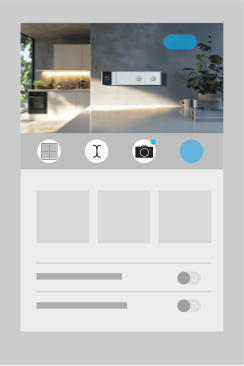
Now you can customize your dashboard with custom images! Upload photos directly from the camera, choose from the gallery, or upload image files to help distinguish your dashboard and make navigation easier in the app. All images are stored directly in the Core control unit and can be managed in My Location → Media Library.
Support for Additional Value Types
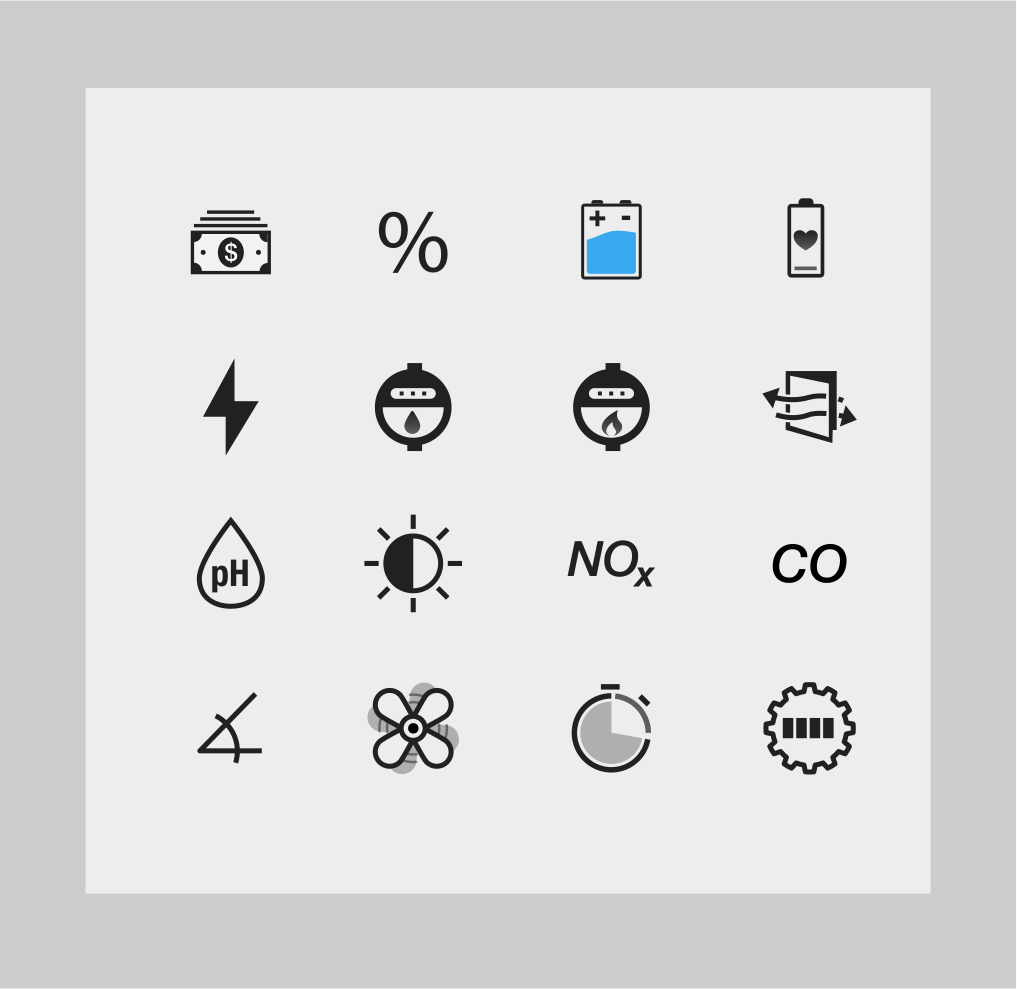
This version added new value types that variables can be converted to:
- Monetary value (with currency symbol defined by user in Settings → My Location)
- Percentages
- pH
- Electricity unit price
- Water unit price
- Gas unit price
- State of charge
- Battery health
- Light intensity
- Angle
- Airflow
- NOx (nitrogen oxides)
- CO (carbon monoxide)
- Revolutions per minute [RPM]
- Session duration
- Engine hours
Variable Icon Customization
It is now possible to change the variable icon to any other icon supported by the system.
Local Network IP Address Scanning
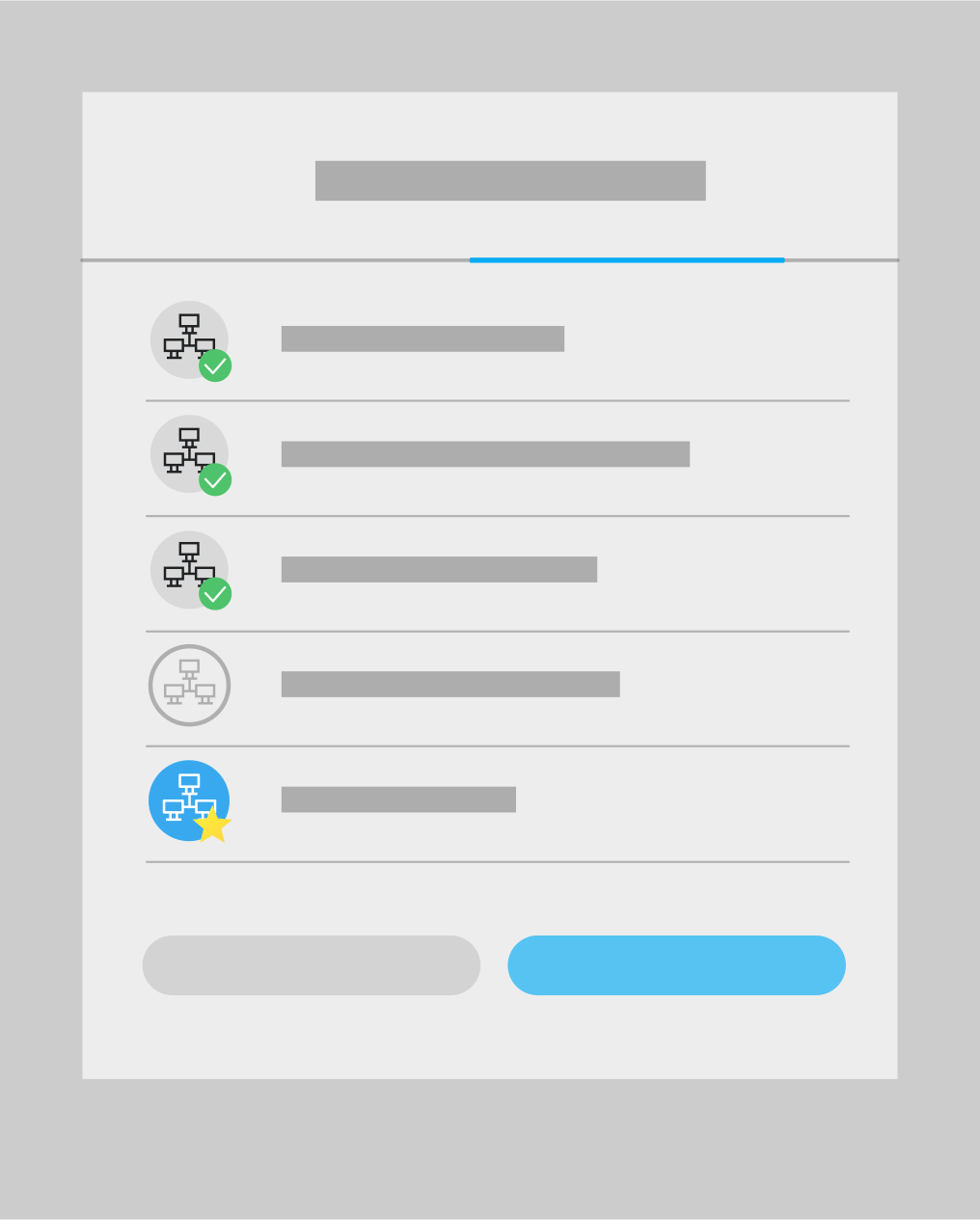
The control unit can now scan IP addresses within the local network it is connected to, even when accessed remotely. Newly connected devices are displayed with a ✅ icon for easier identification.
New Functions: SORT, TIMESPAN and STRICT for AVG, MIN, MAX
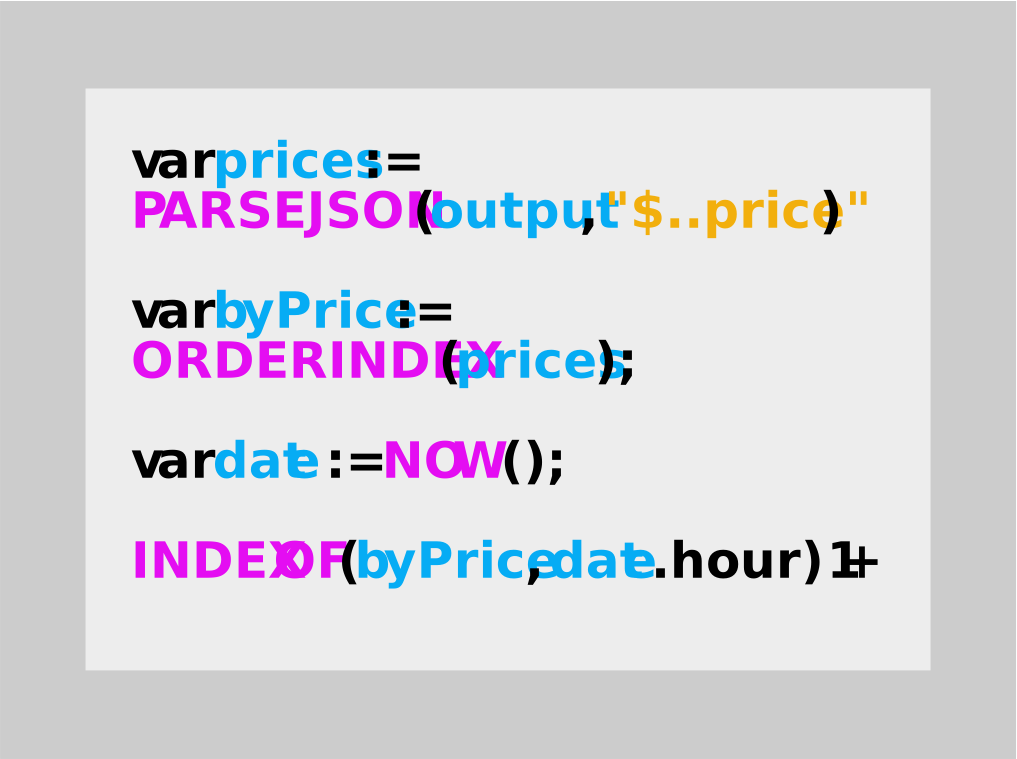
New sorting functions have been added, particularly useful in scenarios such as electricity spot prices. For example, determining the “Price order in current hour” is now easier.
New SORT functions:
- ORDER, ORDERSTRICT
- ORDERINDEX, ORDERINDEXSTRICT
- ORDERDESC, ORDERDESCSTRICT
- ORDERINDEXDESC, ORDERINDEXDESCSTRICT
Additionally, the TIMESPAN function was introduced for time operations along with STRICT versions of AVG, MIN, and MAX functions. The STRICT variant ensures that if any parameter is NaN, the entire result will be NaN.
Complete documentation can be found on the Script language page.
Haptic Feedback and Minor Improvements in iOS App
Vibrations have been added for key interactions in both Android and iOS apps - when a device changes its value. In the iOS app, the Back gesture has been improved for better response. App icons can now be dark or tinted.
Minor Improvements in My Location
Added link to release notes, currency symbol definition, and added menu for Media Library management.