
Version 2024.1
What's new in TapHome 2024.1: Adjustable Push Button Click Speed, Adding Devices via QR Code, Spectrogram for Presence Sensor and PBT2.0 and more.
Adjustable Push Button Click Speed
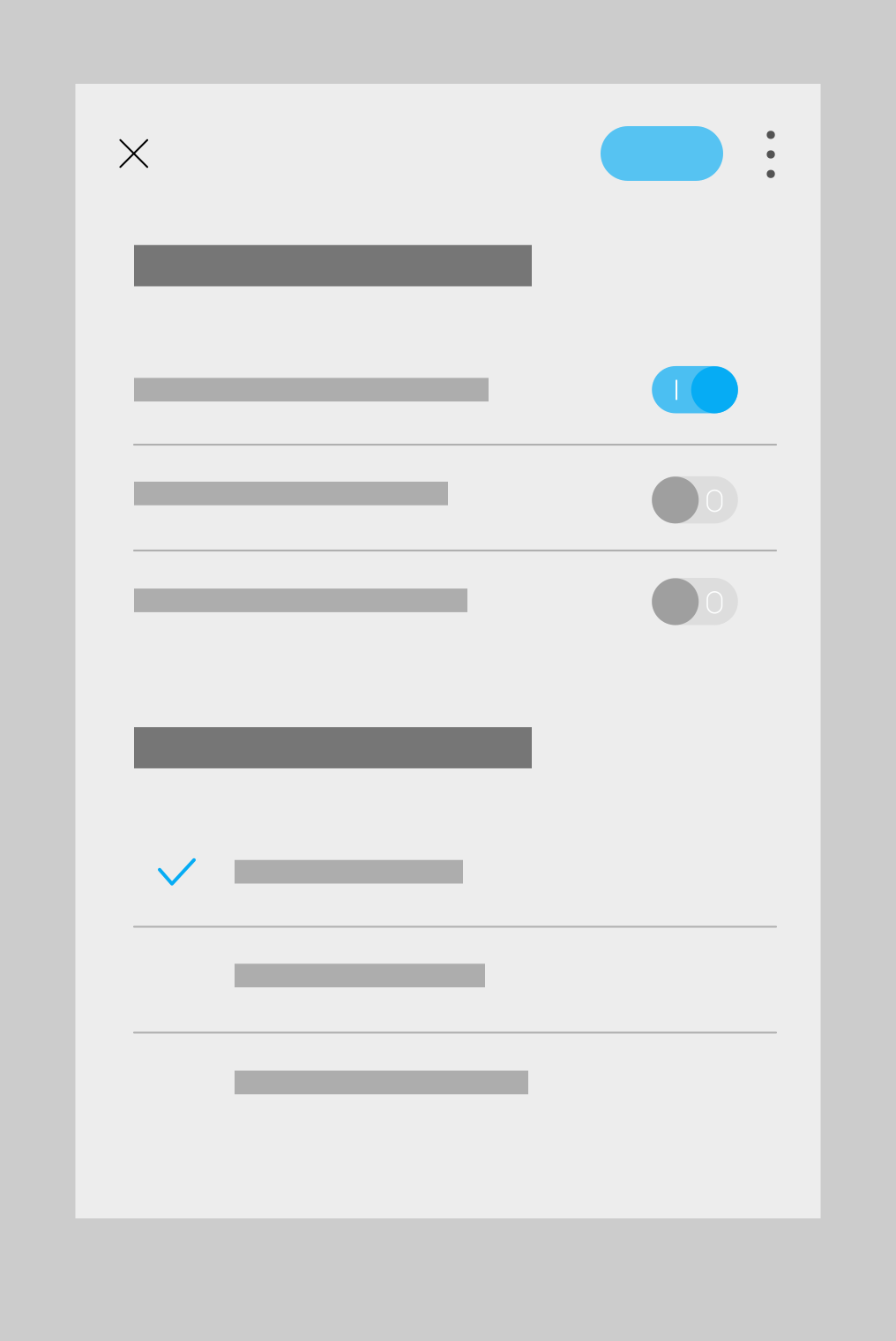
Additional settings have been added for all buttons in TapHome devices including touch devices (e.g., PB5, PB6) and UI inputs defined as buttons (e.g., 32UI module).
Requirements: Latest module firmware version
Select one or more buttons:
- Service settings → Supported click types: The fewer options you select, the less time the algorithm will have to wait before executing the button action. For example, if ‘Support Long press’, ‘Support Double click’, and ‘Support Triple click’ are all deactivated, the button action will trigger immediately upon pressing without waiting for release.
- Service settings → Long press duration / Click speed. Adjust the duration required for longpress or double/triple clicks.
Adding TapHome Devices via QR Code
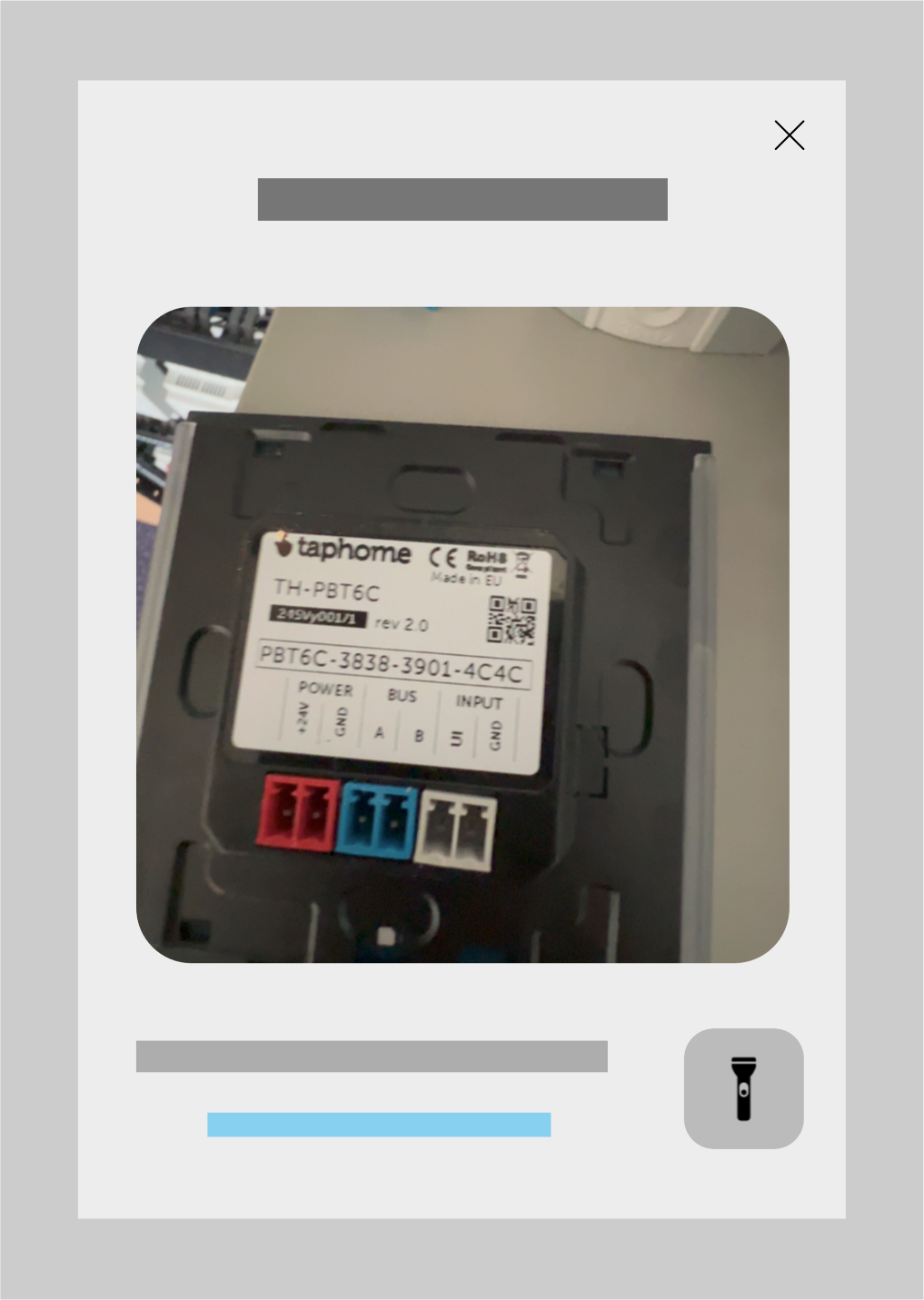
New TapHome devices have a QR code sticker containing serial number information.
In Settings → Hardware → TapHome Bus, in addition to Search for new devices, there is now an Add device option. This allows adding only one specific module to the bus without having to scan the entire bus and add all newly connected modules at once.
Note: The device must be connected to the bus at the time of scanning.
Spectrogram for New Presence Sensor and Touch Buttons PBT2.0
Ability to analyze what is happening directly in the module on individual channels. It is possible to save and then replay recordings. Available only in the Windows application.
Launch: Open Presence module (coming soon) or PBT module → Service settings → Start diagnostics
For the Presence sensor, individual distance levels of radar wave reflections and infrared spectrum changes from the PIR sensor are displayed. It visually shows in time whether the set threshold values are correct for the given room.
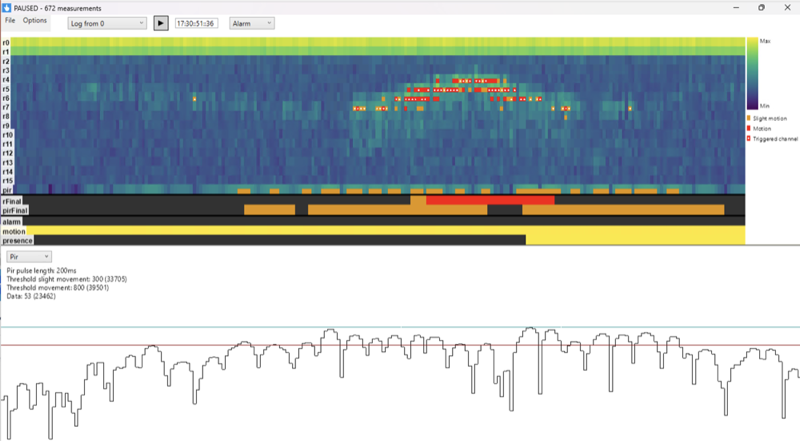
For PBT 2.0 touch buttons, you can see measured capacitances in (almost) real time.
Packet Parser Improvements
Added support for blinds and shutters
Simplified and accelerated message processing in Packet Parser language
What’s better: saves one PARSEJSON call to determine the topic value. When many mqtt messages arrive and only some are interesting, it’s more advantageous to use this.
RECEIVEDMSG also contains mqtt-specific values - e.g., CLIENTID, DUP, CONTENTTYPE, EXPIRY - their content depends on what the mqtt server sends. The old syntax still works and will continue to work.
RECEIVEDMSG also works with TCP and UDP, not just MQTT. In that case, it provides only PAYLOAD and LENGTH properties.
Original:
VAR jsonResponse := TOSTRING(RECEIVEDBYTES);
if parsejson(jsonResponse, "Topic") = "my-topic"
    Va := todouble(parsejson(jsonResponse, "Payload"));
end
New version:
if RECEIVEDMSG.TOPIC = "my-topic"
    Va := todouble(TOSTRING(RECEIVEDMSG.PAYLOAD));
end
Minor Packet Parser improvements
- PARSEJSON, PARSEXML functions work more efficiently - require less RAM and CPU
- Extremely many listener messages should no longer increase the overall response time of the control unit.
- Service information of packet parser modules contains statistical data about received and sent messages - counts for the last 5 and 30 minutes, number of received bytes, and for MQTT, information is sorted by MQTT-topic. This should help with script debugging and setting the most suitable topic filter so that the Core receives as few messages as possible that it doesn’t process at all.
More information about Packet Parser can be found in Compatible devices → Packet parser → Manual configuration