
Documentation
Version 2021.2
What's new in TapHome 2021.2: Push Button Press Detection, Application Scaling, Improved Weekly Schedule Editing, User Invitations and more.
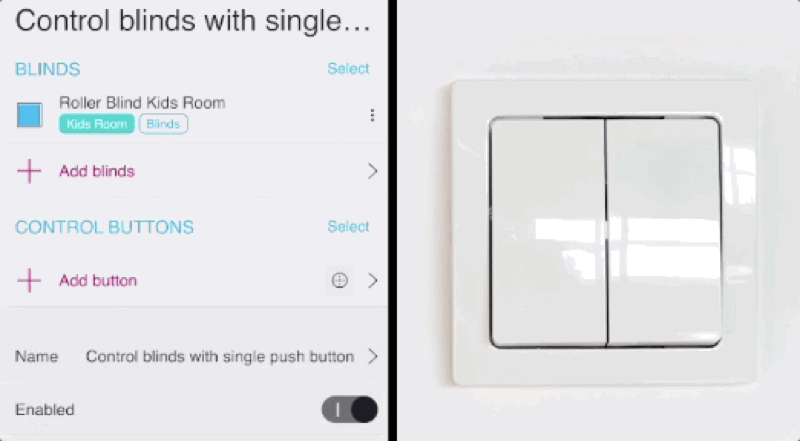
Push Button Press Detection
Optional information in GUI
- Enable / disable device notification display (default is on for Service permissions)
- Expand / collapse device logs for each device separately
Application Scaling
Set custom text and control element sizes in all applications
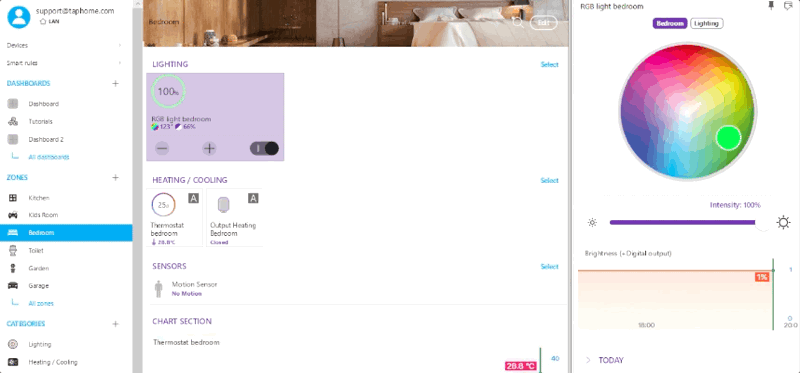
Improved Weekly Schedule Editing
Added ability to specify exact time for each action
Invitations for New Users
- When a new user is added to My Location, an email with instructions is sent
- Option to create account directly from email link if this user doesn’t have a TapHome account yet
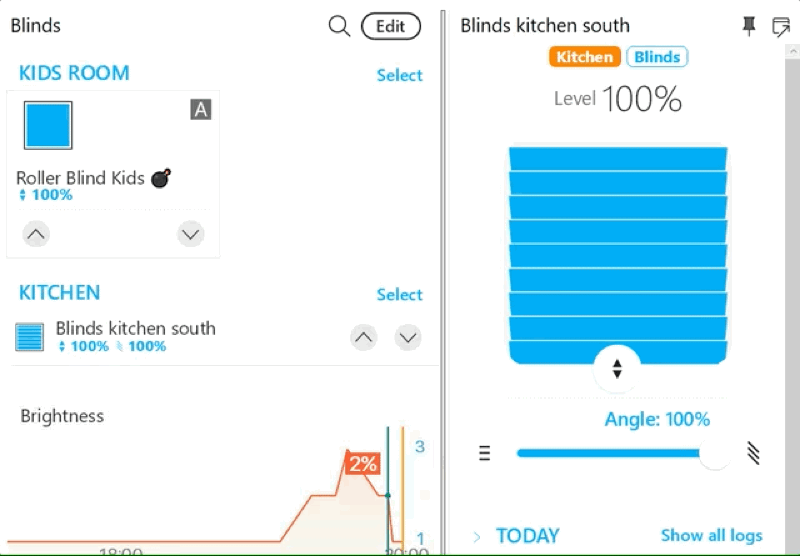
Improved Visualization of Blinds and Awnings During Calibration
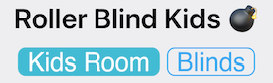
Font Improvements
Improved rendering speed, support for non-Latin languages, emoji, right-to-left
Added Support for New Zigbee Devices

Light Intensity Linearization Options
- AC dimming intensity compensation for 230V dimmers
- Visual light intensity compensation for LED PWM dimmers
New Templates
- Modbus template for Domat CO2 sensor
- Packet parser templates for Fonestar, Denon, Satel
Bug Fixes and Stability Improvements
- Grouping system messages from Core to applications. Previously, Core generated excessive network communication during frequent changes of many devices.
- Fixed hourly average counting in statistics
- Electricity meter statistics fixes
- Daikin AC improvements
- Modbus template improvements
- Fixed memory stability when Core runs without restart for extended time
- Improved core crash analytics
- Improved SIP doorbell voice quality