
Statistic Values in Smart Rules
How to use calculated statistic values in Equation and Formula Smart Rules
Last updated:
Currently it is possible to use calculated statistic value in Equation and Formula Smart Rules.
In Variables section, select device and pick one of its predefined statistic values:
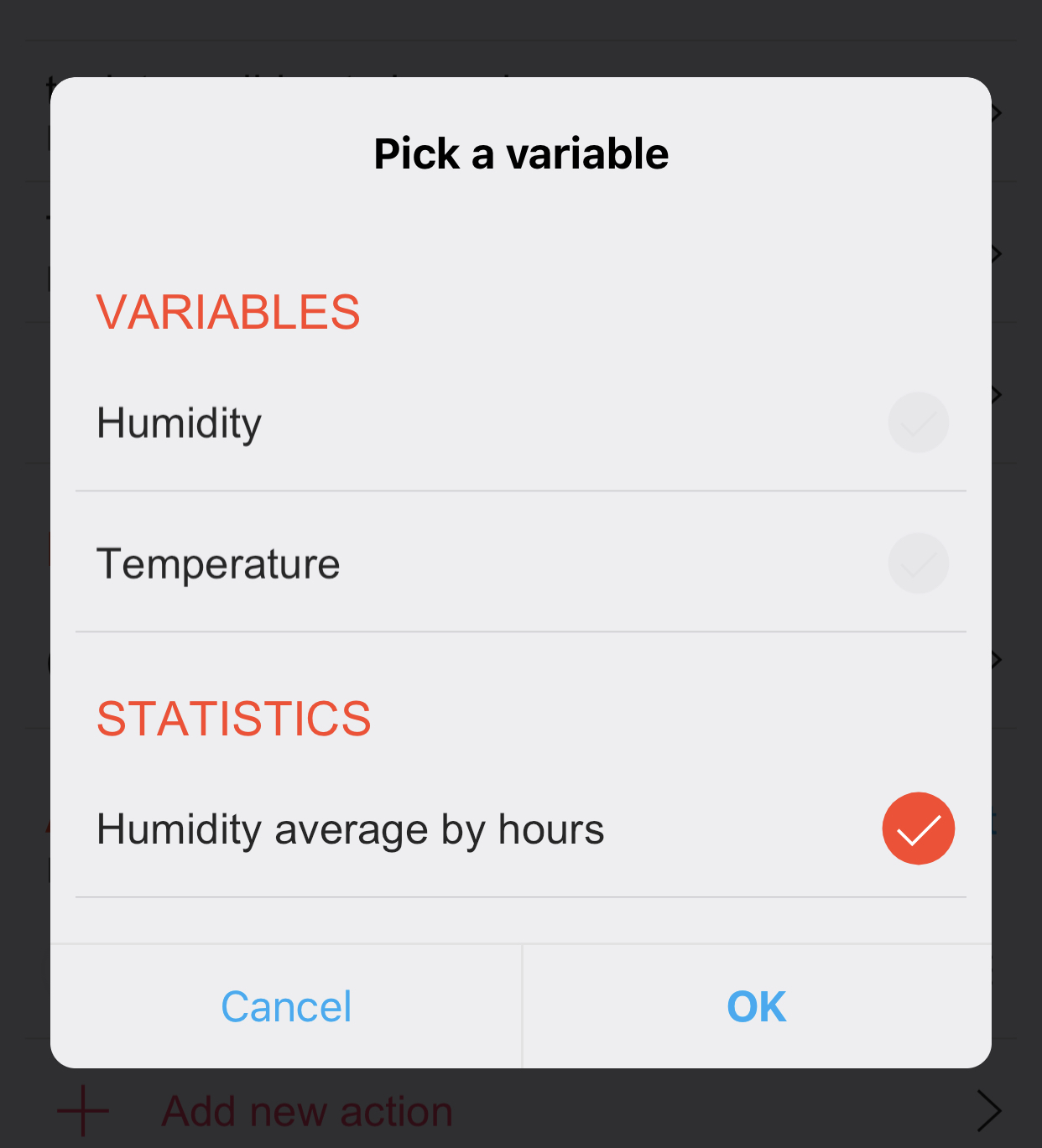
The list offers only statistics that already exist on the device. Create the statistic first: open the device, then Statistics → Add new statistic, and only then pick it in the smart rule. A variable whose statistic does not exist stays empty and the rule never reacts, without showing an error.
Condition that lasts for some time
With Period type Period to now a statistic is a rolling window that ends at this moment, so it can tell how long a condition has lasted: the maximum over the last 3 hours at or below −5 °C means the temperature stayed there the whole 3 hours. Current period starts again at the full hour or at midnight and cannot do this. A complete example, switching between a heat pump and a gas boiler by outdoor temperature, is in Bivalent heating.
Equation: Turn on vent if humidity in bathroom is 10 percentage points higher than in other room
Variables:
Hu Humidity in bathroom - Average by hours
Hu1 Humidity in other room - Actual value
Equation:
(Hu - Hu1) > 0.1Action:
Vent → Turn on
See also — Statistics and value info, Scripts in smart rules and notifications.